Getting Started with FeedScape: Your Complete Onboarding Guide
Everything you need to know to get started with FeedScape. From account setup to creating your first video, we've got you covered.
Welcome to FeedScape! This comprehensive guide will walk you through everything you need to know to get started and create amazing videos. Whether you're a content creator, marketer, or business owner, we'll help you hit the ground running.
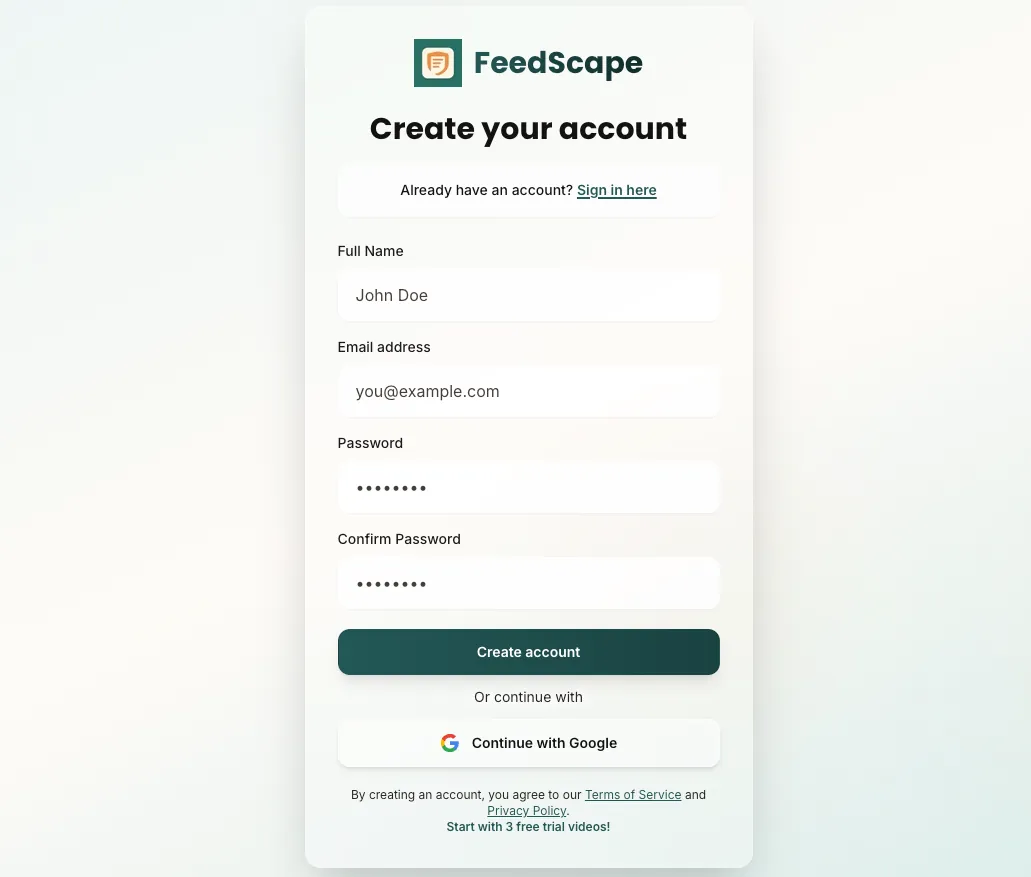
Step 1: Create Your Account
Getting started is free and easy. Simply:
- Visit feedscape.co and click "Get Started"
- Sign up with email and password, or use Google Sign-In for quick access
- You'll automatically receive 3 free trial videos
Step 2: Add Your API Keys
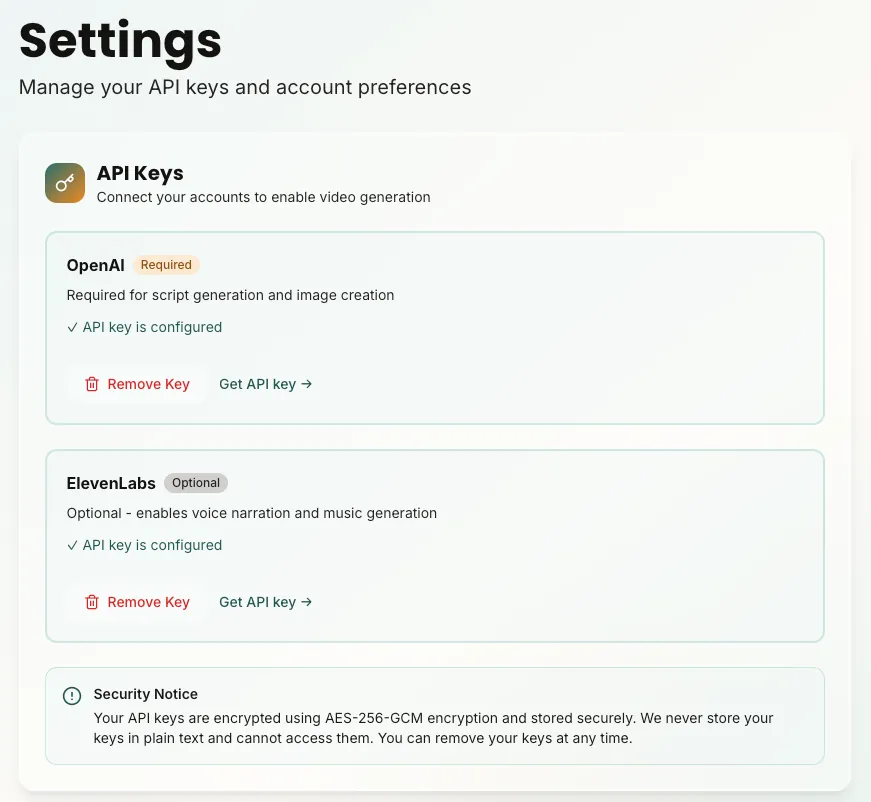
FeedScape uses a "Bring Your Own Keys" (BYOK) model. You'll need API keys from:
- OpenAI: For image generation and script assistance
- ElevenLabs: For voice narration and music generation
Getting OpenAI API Key
- Visit platform.openai.com and sign in
- Navigate to API Keys section
- Create a new secret key
- Copy the key (you won't be able to see it again)
- Paste it into FeedScape Settings
Getting ElevenLabs API Key
- Visit elevenlabs.io and sign in
- Go to your profile settings
- Find your API key
- Copy and paste it into FeedScape Settings
Step 3: Understand the Pricing Model
FeedScape charges $9.99/month for platform access. This includes:
- Unlimited video projects
- All platform features
- File storage and management
- Customer support
You pay OpenAI and ElevenLabs directly for their services at their standard rates. FeedScape adds zero markup.
Step 4: Create Your First Video
Now for the fun part! Here's a quick overview:
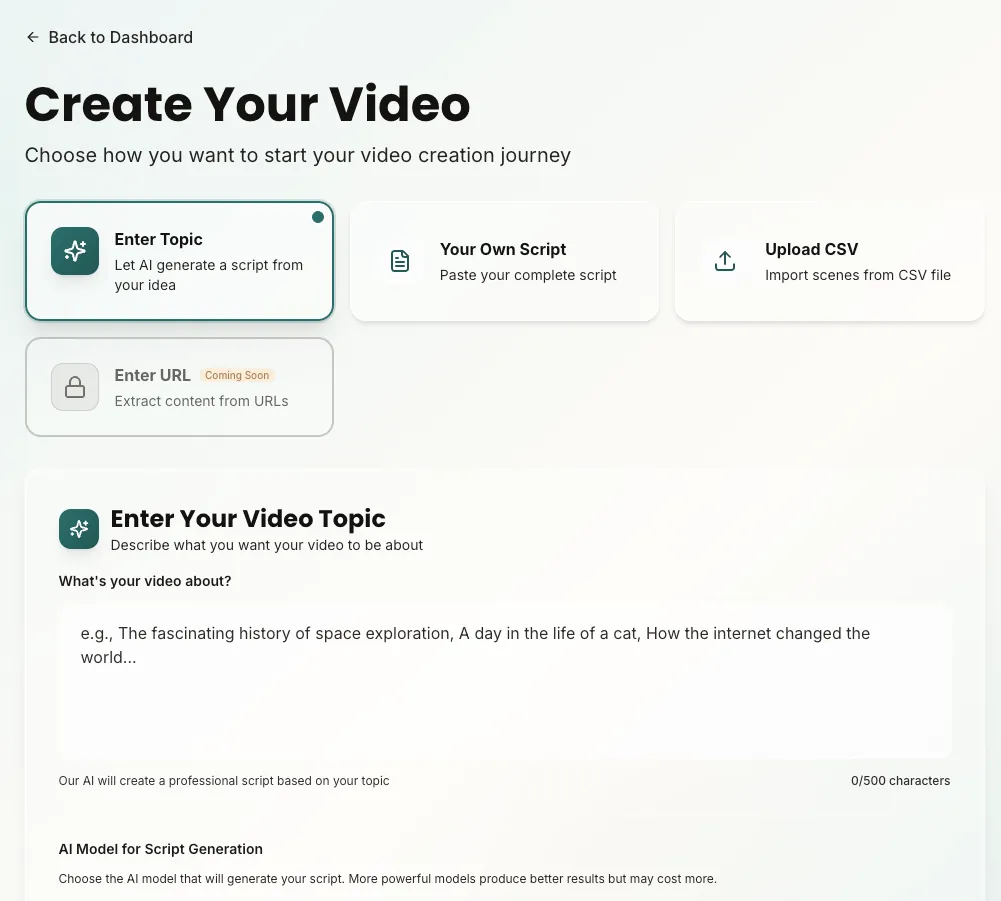
- Click "Create Video" in your dashboard
- Choose your input method (topic, script, or CSV)
- The AI will generate a script for you, or you can edit it manually
- Select visual style, voice, and music in the next steps
- Review scenes and generate the video
Step 5: Explore Advanced Features
Once you've created the script, in the next step you can select the visual style, voice, and music and all other settings for your video
- Scene-by-scene editing and regeneration
- Aspect ratio customization (9:16, 16:9, 1:1)
- AI background music generation with custom prompts
- Auto-captions with customizable styling
- Motion graphics & transitions
- Voice Snap for smoother narration
- Volume control for narration and music
- Full asset downloads (videos, images, audio, music, captions)
Tips for Success
- Start with shorter videos (30-60 seconds) to learn the platform
- Experiment with different styles to find your brand voice
- Use the trial videos to test different approaches
- Review generated scripts and make adjustments
- Don't hesitate to regenerate scenes that don't match your vision
Getting Help
Need assistance? We're here to help:
- Email: contact@feedscape.co
- Check our documentation and tutorials
- Review our blog for tips and best practices
Next Steps
Now that you're set up, explore our other guides:
- How to Create Your First AI Video
- Best Practices for AI Video Creation
- Understanding Video Styles and When to Use Them
Ready to start? Create your account and get 3 free trial videos!
Get Started Free